
HubStudio Access Guide
🌐 HubStudio Access
📌 About HubStudio
HubStudio is a professional fingerprint browser that supports multi-environment management
Step 1: Download Software
Visit HubStudio official website, Click here to open
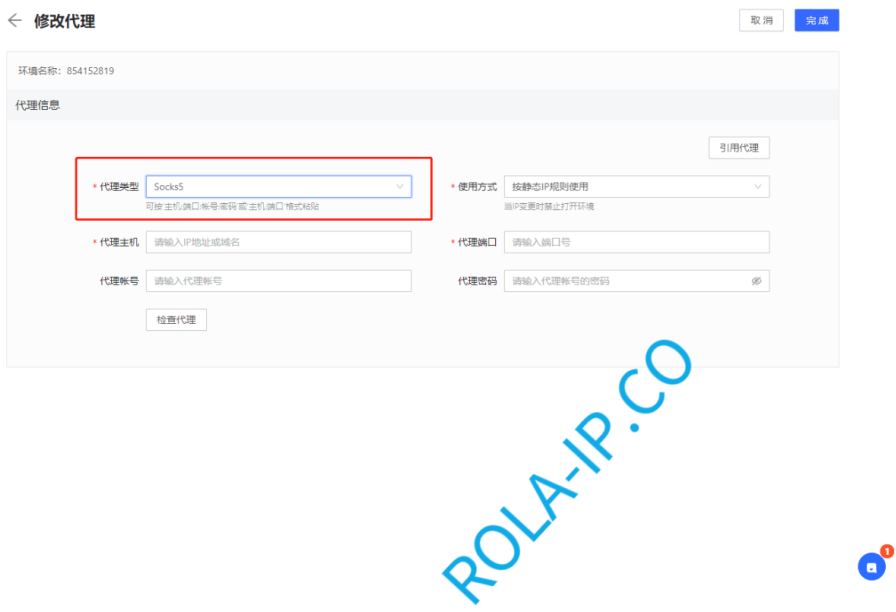
Step 2: Select Proxy Type
Open HubStudio's modify proxy, Proxy Type select: Http or Socks5, take Socks5 as an example
Step 3: Fill in Proxy Information
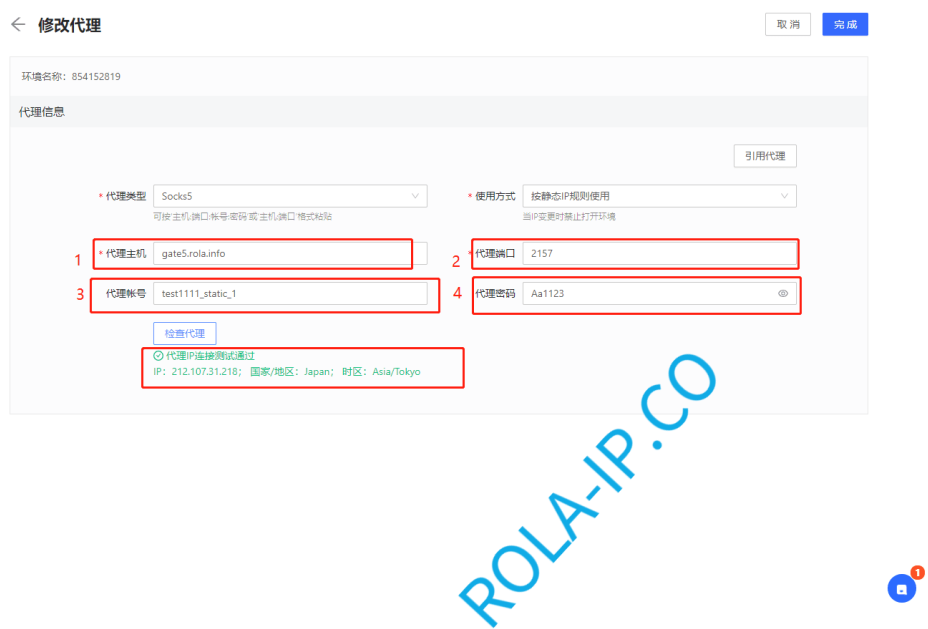
Fill in Proxy Host, Proxy Port, Proxy Account, Proxy Password, take Static Residential IP (Traffic Billing) as an example:
📍 How to Get Proxy Information
- Rotating IP: In the backend, select
Global Residential IP→Rotating Residential IP→ ClickGenerate Proxy Informationto see - Static IP: In the backend, select
Global Static IP Traffic Billing→Static Residential IP Order Listto see
Step 4: Check Proxy
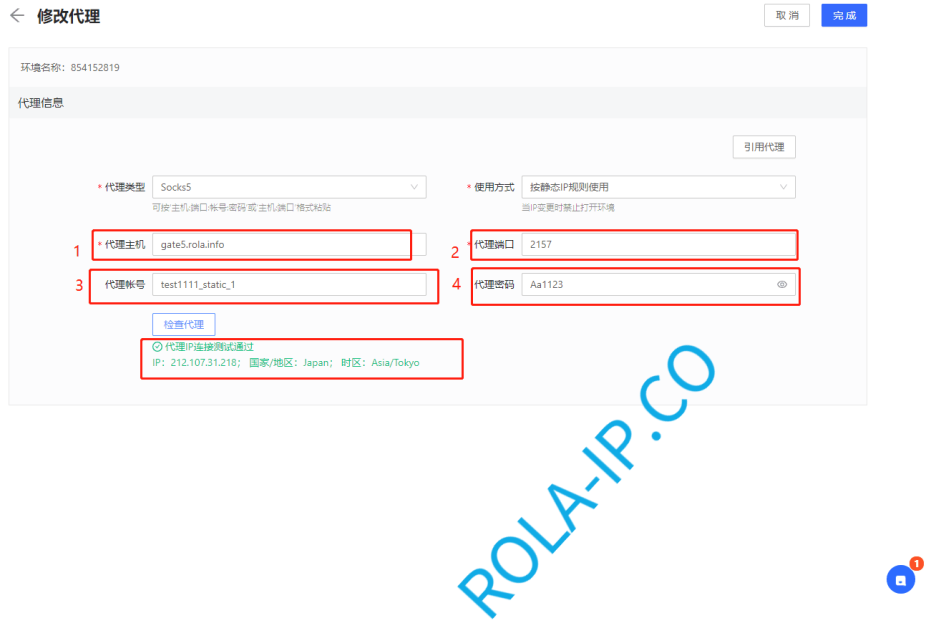
After filling in, click Check Proxy, the detected IP is consistent with the IP detected in the backend (there is a "Check Button" after the order list), that is, the configuration is successful, click Complete to finish
✅ Configuration Complete
Now you can use HubStudio to access websites normally!